
Start with the phones and earphones people already have instead of distributing dedicated receivers.
I SPEAK MINE · YOU HEAR YOURSI speak my language.
I speak my language.
You hear yours.
We stay connected.
Face to face, each person keeps speaking naturally while Lang-Ear bridges only the language in between.
LANGUAGE, IN YOUR EARHear the world.
Hear the world.
In your language.
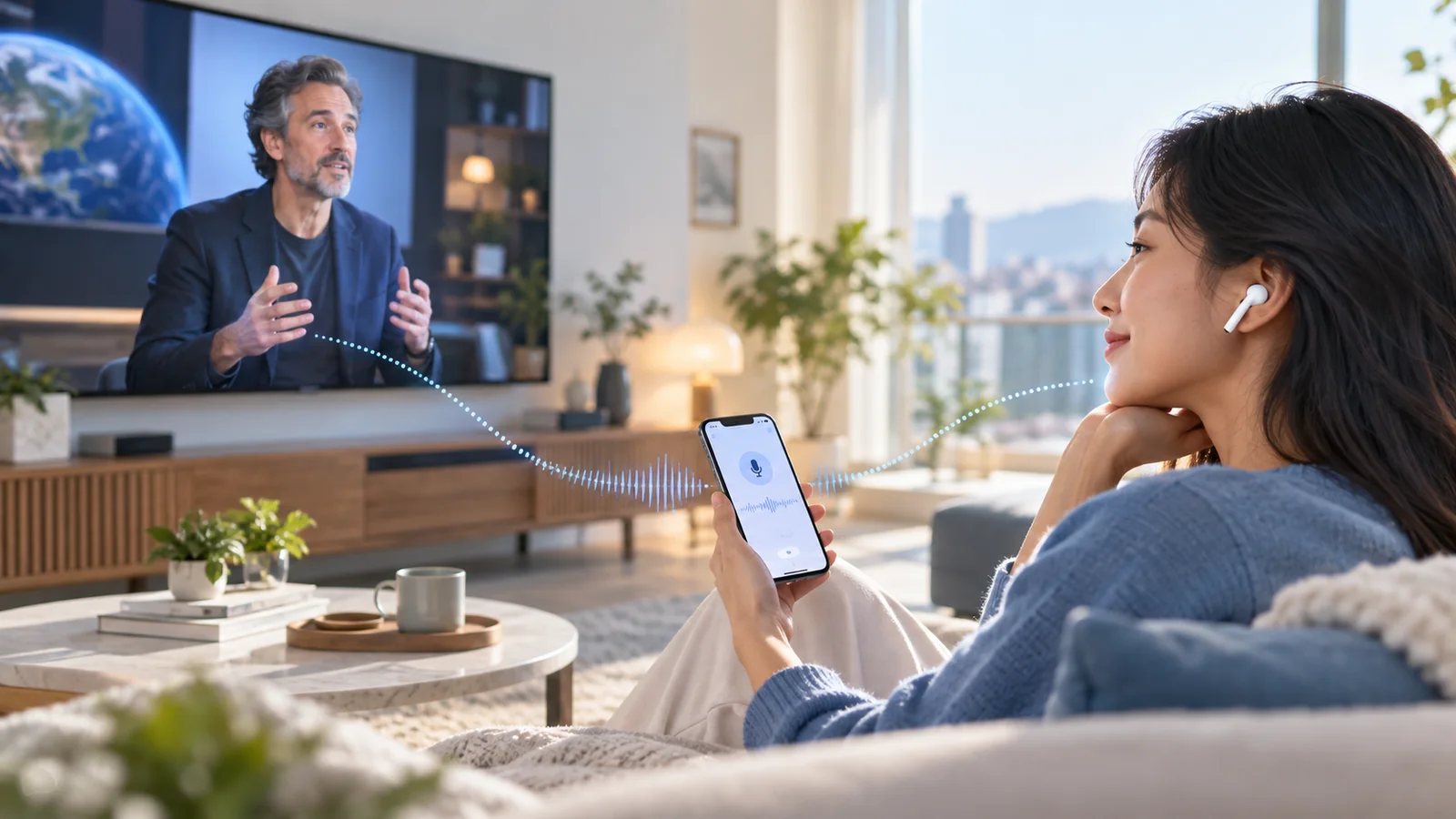
From a TV, lecture or nearby voice, Lang-Ear listens through your phone and delivers translated speech naturally to your earphones.
ONE STAGE · MANY LANGUAGESThe speaker uses one language.
The speaker uses one language.
Everyone listens in their own.
At churches, seminars and conferences, one live session can deliver interpretation, captions and materials to each participant in the language they choose.
1:1 Conversation1:N Live SessionLive CaptionOwn Device


01 · CONVERSATIONA natural conversation, in any language.
02 · PERSONALHear the world in your language.
03 · LIVEOne stage. Everyone listens in their own language.
LANGUAGE + EAR
Hear the world in your language.
Lang-Ear began with the idea of In-Ear. If an in-ear device brings sound directly to your ear,Lang-Ear brings another person’s language to you in a form you can understand.
SPEAKMy voice
Lang-Ear
HEARMy language
Use one service from personal conversations to talks, tours and live events.
Listen to interpretation, confirm details on screen and review previous lines when needed.
Choose the right balance of speed and quality for the network and operating conditions of each venue.
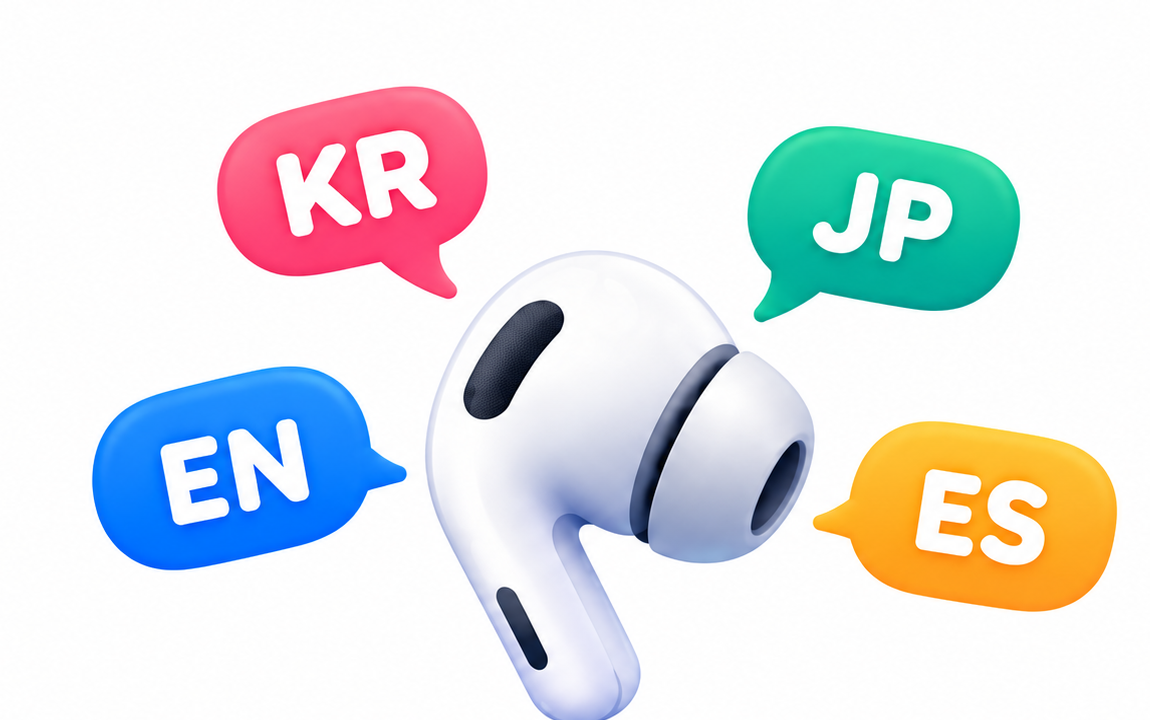
USE WHAT YOU ALREADY HAVE
Start with familiar devices,not more hardware.
Lang-Ear starts with the phones and earphones people already carry,
instead of requiring dedicated interpretation receivers first.
Own phoneOwn earphonesNo dedicated receiver
ONE SERVICE · THREE EXPERIENCES
More than a translation app, communication that adapts to the situation
Start when only one person has the app, continue when both use their own devices, and scale to live sessions for larger audiences.
01GUEST
Start even when the other person has no app
The simplest way to begin an instant conversation while traveling, shopping or asking for help.
Quick start1:1 conversationVoice + screen
02PEER
More natural when both people use their own device
When both people use Lang-Ear, each person keeps their own phone, earphones and language settings.
Personal languageOwn deviceConversation history
03BROADCAST
One speaker, many languages
Designed for worship, seminars, tours and talks where one message needs to reach many listeners in their own language.
Session joinMultilingual audioLive captions
BUILT FOR CONVERSATION
Conversation does not behavelike a record button.
Lang-Ear is designed around a stable audio flow, detecting meaningful speech and routing the right segments into interpretation instead of repeatedly reopening the microphone.
Keep the conversation natural without repeatedly starting and stopping recording.
Trim unnecessary silence and non-speech so interpretation focuses on meaningful speech.
Use language and voice evidence to determine which side of the conversation is speaking.
Keep audio controls out of the way so people can simply talk and hear the interpretation.
TRANSLATION LISTENING
The phone listens.The translation stays in your earphones.
For a laptop, TV, lecture or nearby speaker, Lang-Ear uses the phone built-in microphone as the input. The translated voice is routed only to connected Bluetooth earphones, so the room does not hear the translated playback.
Important routing ruleInput = phone built-in microphone · Output = Bluetooth earphones. The earphone microphone is not used, and a disconnect does not fall back to the phone speaker.
CHOOSE THE WAY YOU TALK
Start without earphones, use them when they make it more natural.
Lang-Ear does not force one interaction model. Choose the method that fits the devices and conversation you have right now.
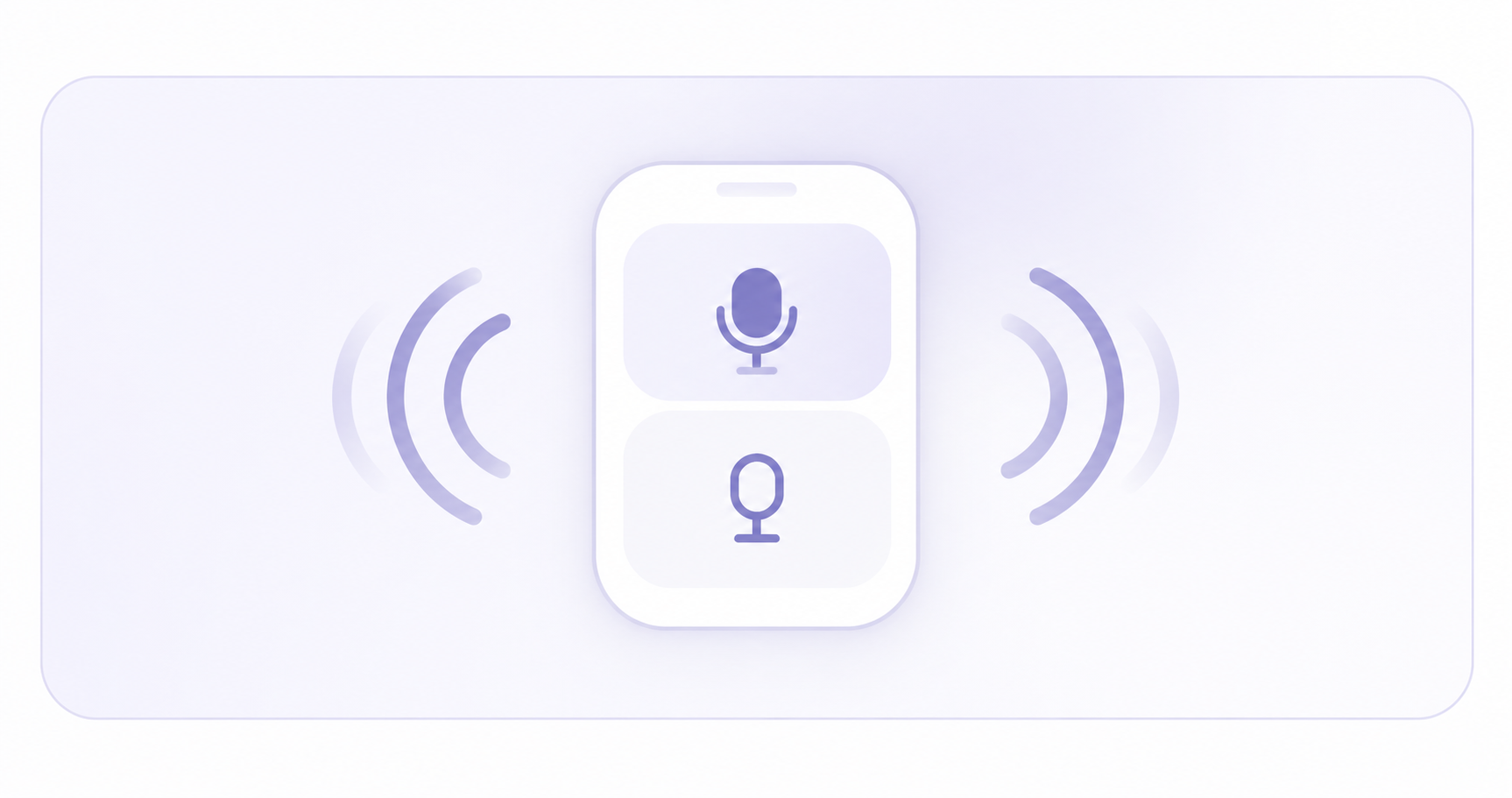
Take turns on one phone
Split the screen and take turns speaking. One person speaks, both hear the translation, then the next person continues.
Speaker · split screen · turn taking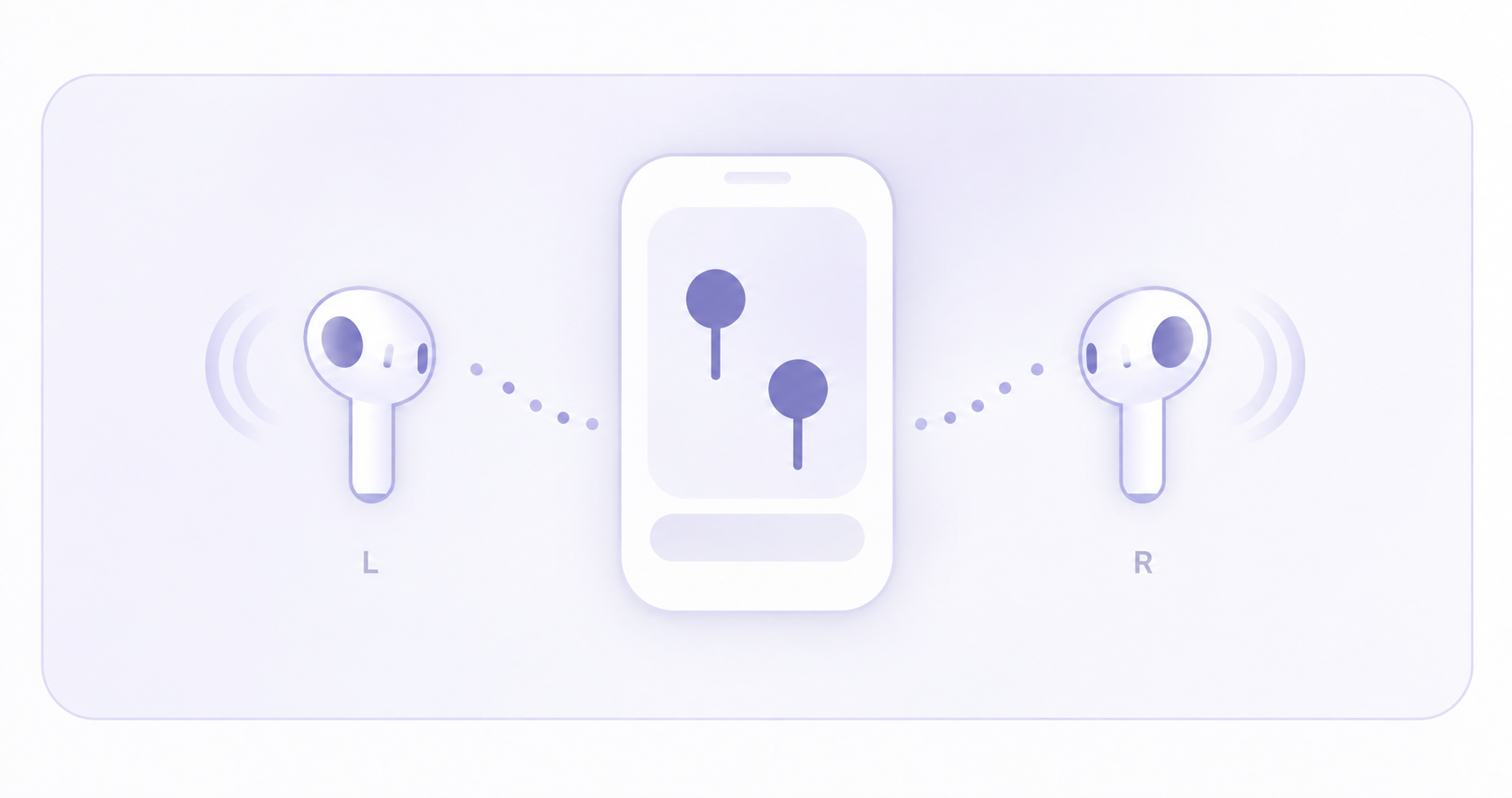
Share one pair of earbuds
On supported devices, split a pair of earbuds so each person can hear interpretation in their own language.
Shared earbuds · personal interpretation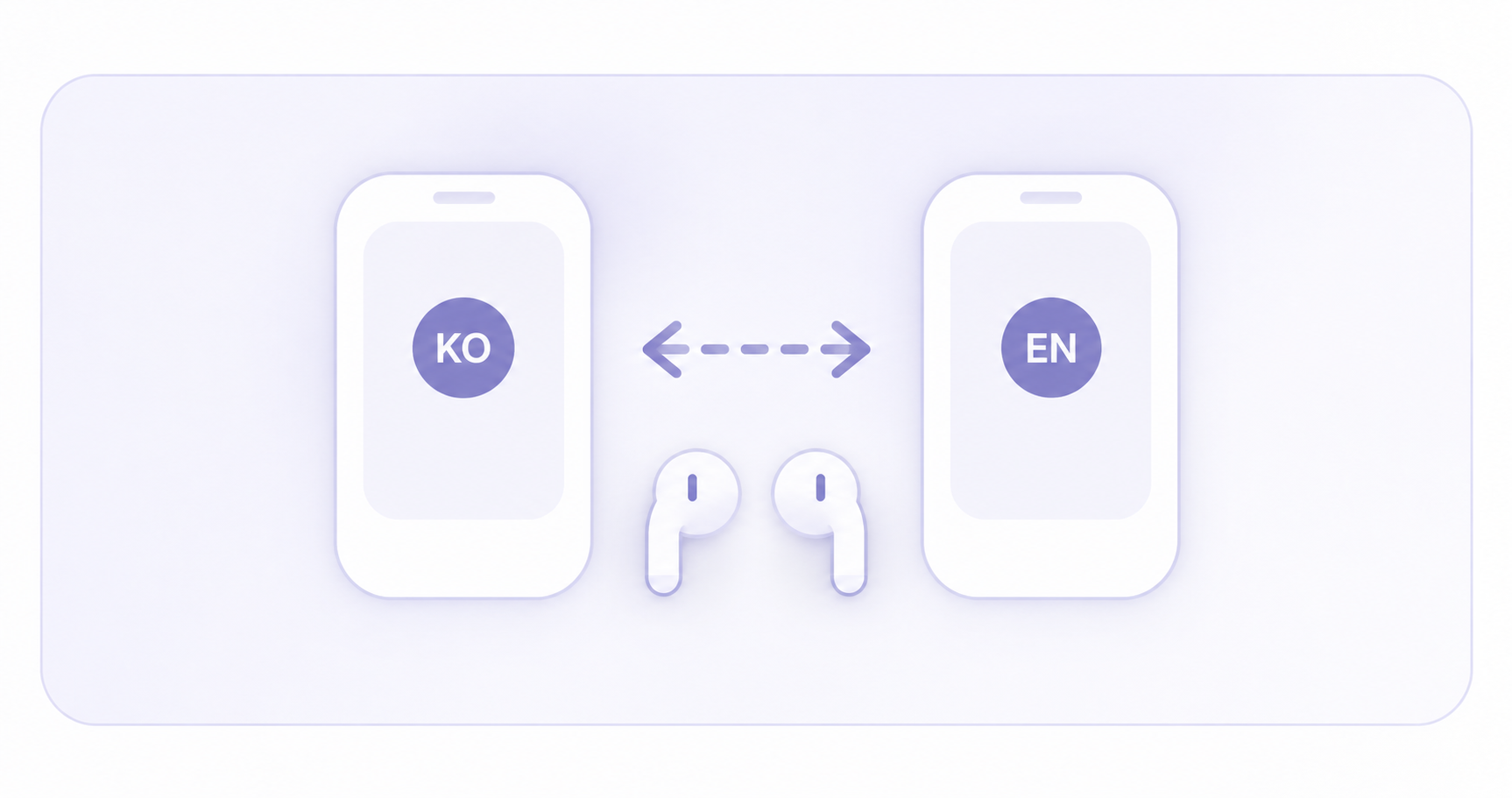
Each person uses their own phone and earphones
When both people use Lang-Ear, language and listening options remain independent on each device.
Two devices · personal language settingsSTART FREE · ADD WHAT YOU USE
Start personal use for free. Pay more only when usage grows.
Free covers the core personal experience. Plus adds a larger monthly AI Credit allowance, while Host plans are reserved for people who actually open and operate group interpretation sessions.
PERSONAL FREEFREE
Start personal use for free
Use 1:1 conversation, translation listening, session participation and basic replay with a small trial Credit allowance.
PERSONAL PLUSMONTHLY
Choose Plus when you do not need Host tools
Get more monthly AI Credits for context interpretation, natural voice and AI-generated learning material.
LISTENERFREE
Listeners join for free
Participants can enter an open session, choose a language and listen or read captions.
HOSTHOST
Buy Host access only when you open a session
Use a one-day Host Pass for occasional events or Host Pro for recurring operation.
START IN THREE STEPS
Less setup, more conversation.
Personal conversations and live sessions should be simple enough that users do not need to understand the underlying technology.
Start a 1:1 conversation or interpretation session
Begin directly for personal use, or let a Host open a session for a group.
Choose your language and listening method
Pick earphones, speaker or captions depending on the situation.
Speak, listen and confirm on screen
Hear interpretation while seeing original and translated captions and recent lines.
WHY LANG-EAR
Skip the receiver rental.Open Lang-Ear.
Traditional interpretation becomes more complex as receiver distribution, collection and language operations grow. Lang-Ear focuses on letting participants listen and read on devices they already know.
TRADITIONAL SETUPLANG-EAR
Prepare and distribute dedicated receiversJoin with your own phone and earphones
Operate hardware for every attendeeConnect only the people who need interpretation
Missed interpretation is hard to recoverReview original, translation and earlier lines
Prepare records separately after the eventContinue naturally into session history and recap
Lang-Ear Live LIVE
KM
Keynote SessionSpeaker · Korean
KO
저희가 가장 중요하게 생각하는 것은 기술 자체보다 실제 사용 경험입니다.
EN
What matters most to us is not the technology itself, but the experience people have when using it.
KO
누구나 자신의 기기로 자연스럽게 참여할 수 있어야 합니다.
EN
Anyone should be able to join naturally with the device they already use.
MORE THAN AUDIO
Listen and confirmat the same time
While interpretation plays in your ears, original and translated text remain visible. Confirm names, numbers and product terms on screen and review earlier lines when needed.
LIVE CAPTION
Show original and translated text together in realtime
GLOSSARY
Prepare company names, people and terminology before a session
HISTORY
Review lines you may have missed during the live session
RECAP
Organize original text, translations and follow-up notes after a session
PUBLIC SESSION · SCAN & LISTEN
The venue puts up one QR. Everyone listens in their own language.
This is what Lang-Ear feels like at an actual church, seminar, conference or tour. The Host opens one interpretation session; listeners scan the venue QR and receive translated audio, captions, presentation material and Q&A on their own phones.
Listeners join freeOnly the person opening and operating the group session needs Host Pass or Host Pro.
◖◗Lang-EarLIVE INTERPRETATION
LIVE · 128SCAN & LISTENScan with your
Scan with your
phone camera.
No app required. Choose your language and listen from your seat.
Global Keynote SessionPresentation language · Korean
ROOM CODEA7K4Q2Use the code if scanning is difficult
LIVE SESSIONKO · EN
ParticipantMy seat · B-14
Listening mode. When the Host opens Q&A, you can request to speak.
HOST · KO
발표자는 한 언어로 말해도 청중은 각자의 언어로 들을 수 있습니다.
EN · MY LANGUAGEThe presenter can speak in one language while every listener hears it in their own.Previous lines
Earlier translation
The original and translated lines stay available for quick review.
Connected to the interpretation session.
The Host opens the session and puts the QR on screen
The venue display shows the session title, LIVE status, join QR and room code. For online events, the same join link can be shared directly.
Participants scan once with the phone camera
They enter the web listener immediately with no app installation or login required. A short room code is available when scanning is inconvenient.
Each listener chooses identity and language
Depending on the event, admission can use a nickname, name plus seat, or a registration ID. Every listener selects their own listening language.
Listen, read and ask from your own seat
Hear translated audio, follow live captions and view the same presentation page the Host is sharing. When Q&A opens, listeners can raise a hand or send a question.
Resume even after a brief interruption
The listener can reconnect after a refresh or short network interruption and return through Recent Session. Opening the native app can continue into saved history and review.
One-time event?Use Host Pass only on the day you need it.
Recurring venue?Host Pro is built for recurring sessions throughout the month.
Compare Host plans VENUE READY
Fast, accurate, and adapted to the venue.
Not every venue has the same network conditions. Lang-Ear is designed to adapt across everyday conversation, accuracy-sensitive presentations and recurring live environments.
Make meaning arrive quickly
For everyday conversation and live guidance, prioritize responsiveness and conversational flow.
Use more context when accuracy matters
For terminology, names and presentations, choose quality-oriented processing when it improves the result.
Keep the experience running across different venues
Designed for recurring places such as churches, conferences and classrooms where networks are not always identical.
BUILT FOR REAL PLACES
Built for places where people actually meet and talk
Lang-Ear aims to be a communication tool for real places, not just another screen that displays translations.
Interpretation for multilingual congregations
Help participants follow recurring worship services and gatherings in their own language.
Seminars, conferences and briefings
Let audiences listen and read on their own devices without interrupting the speaker.
Hotels, stores and tourism
Support basic communication where keeping a human interpreter on site is difficult.
Guides, classes and small groups
Let multiple participants hear one speaker in their preferred language and confirm details on screen.
HISTORY → REVIEW → LEARNING
The conversation you actually had becomes your review material.
Only interpretation lines that were actually delivered become review history. Read the original and translation again, replay them later, and build future learning exercises from situations you really experienced.
Simple Credit ruleHistory and basic replay use 0 extra Credits. Credits are used only when Cloud AI creates something new, such as personalized study material or premium voice.
NOW · REVIEWWhat you already said and heard
NEXT · PRACTICETurn your real context into practice
QUALITY CHOICES
Fast by default, more refined when you choose it
Fast uses the on-device path first. Higher-quality profiles stay selectable, but Cloud AI is charged only when it is actually used, so the same quality ladder works across Free, Plus and Host plans.
Realtime
Prioritizes on-device processing for the fastest conversational response.
Target added latency ·up to 700msBalanced
Balances speed and natural wording for everyday conversation.
Target added latency ·up to 1200msContext Interpreter
Uses recent conversation context to improve pronouns, tone and intended meaning.
Target added latency ·up to 1700msNatural Voice
Adds a more natural AI voice to context-aware interpretation.
Target added latency ·up to 2300msPremium Interpreter
Uses deeper conversational context and natural AI voice for the highest available quality.
Target added latency ·up to 3000msPLANS
Start simple. Upgrade only when you need more.
Start free, choose Plus when you want more monthly AI Credits, and add Host access only when you need to open group sessions.
START FREEPERSONAL
Free
Free
Start personal conversations, translation listening and session participation for free
PERSONAL PICKPERSONAL
Plus
$4.99/ month
For individuals who want more Cloud AI without Host tools
600 AI Credits included
Subscription value · about 20% more Credits than the best top-up mix within the same budget
✓Everything in Free
✓600 AI Credits / month
✓Context interpretation & natural voice
✓AI-generated learning material
✓Top up whenever needed
ONE DAYHOST
Host Pass
$9.99/ day
Open a group interpretation session for a day
RECURRING HOSTHOST
Host Pro
$19.99/ month
For guides and operators who host sessions regularly
VENUEBUSINESS / VENUE
Business / Venue
$99/ month
For churches, schools, companies, tours and recurring venues with higher usage
AI CREDIT
Use AI Credits only when you need Cloud AI.
On-device interpretation, basic history and replay use no extra Credits. Credits are used for Cloud AI features such as contextual processing and premium voice.
500
$4.99Total 500 Credits
1,000 + 100
BONUS$9.99Total 1,100 Credits
2,500 + 500
BONUS$24.99Total 3,000 Credits
5,000 + 1,500
BONUS$44.99Total 6,500 Credits
Credit validity, subscription changes and refund rules are in the billing policy.
FAQ
Questions first,short answers.
Do I need earphones?+
No. For 1:1 conversations you can use one phone, share stereo earphones, or use separate devices.
Can Lang-Ear work offline?+
After sign-in and required model preparation, supported local features can keep working offline. Features that require server AI may fall back to a lower local quality level.
Are offline conversation records lost?+
No. Records are stored on the device first and synchronized safely with the same account when connectivity returns.
Do Public Session listeners need to install the app or create an account?+
No. Scan the venue QR with the phone camera and enter the web listener immediately. App sign-in is optional when you want session history, review and language preferences to stay with your account.
Do I need to scan the Public Session QR again every time?+
No. After joining once, the device stores session recovery information so you can return through Recent Session, and it attempts to reconnect after a refresh or brief network interruption.
CONTACT
Tell us what you need.We will route it to the right team.
Use one form for product questions, technical support, billing, venue pilots, partnerships or media requests.
Billing & accountSubscription, cancellation, refund or account access
Venue & partnershipChurches, seminars, tours, schools and business pilots
Product supportAudio, interpretation quality and technical issues